Mastering Floral Greeting Card Template Design: From Layout to Professional Print Files
In an era dominated by instant messaging and digital notifications, the tactile experience of receiving a physical card remains unmatched. Whether for a wedding invitation, a birthday greeting, or a corporate thank-you note, floral designs possess a timeless versatility that communicates warmth, elegance, and sincerity. However, creating these designs requires more than just artistic inspiration; it demands a solid understanding of template architecture, layout principles, and technical file management. For designers, business owners, and hobbyists alike, mastering floral greeting card template design is the bridge between a beautiful concept and a professional, print-ready product.
This guide explores the foundational elements of floral card design, the specific considerations for invitations versus standard greetings, and the critical technical specifications regarding AI, EPS, JPG, and PNG files. By understanding these components, you can create layouts that are not only visually stunning but also functionally flawless.
The Psychology and Purpose of Floral Design in Stationery
Before opening any design software, it is essential to understand why floral motifs remain the industry standard for stationery. Flowers are a universal language, but their application in design serves specific functional purposes beyond mere decoration.
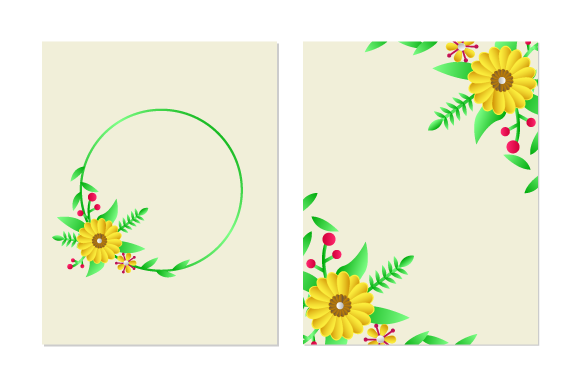
- Visual Hierarchy: Floral elements act as natural frames. A wreath or corner arrangement guides the viewer’s eye toward the center of the card where the primary message resides.
- Emotional Tone Setting: The type of flora dictates the mood. Peonies and roses suggest romance and luxury, making them ideal for wedding invitations. Wildflowers and greenery imply freshness and organic growth, perfect for baby showers or spring greetings. Succulents and geometric botanicals often signal modern professionalism.
- Negative Space Management: Effective floral greeting card template design for invitation and greeting card for layout and cover card design relies heavily on negative space. The flowers should never compete with the text; rather, they should cradle it, ensuring readability while adding aesthetic value.
A common misunderstanding among beginners is that "more is better." In professional template design, restraint is key. Overcrowding a layout with high-saturation florals can make text illegible and printing expensive due to ink coverage. Successful templates balance artistic expression with practical utility.
Distinguishing Between Invitation and Greeting Card Layouts
While both formats utilize floral aesthetics, their structural requirements differ significantly. Understanding this distinction is vital when selecting or creating a template.
Invitation Templates: Structure and Information Density
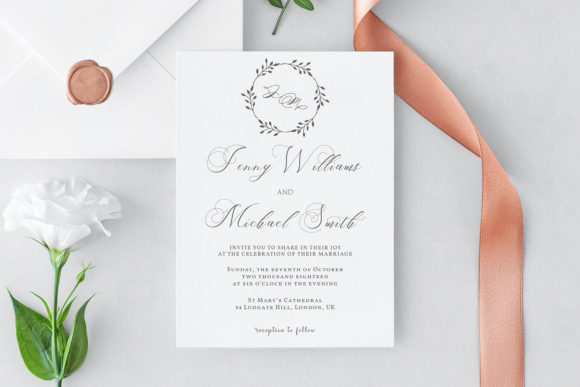
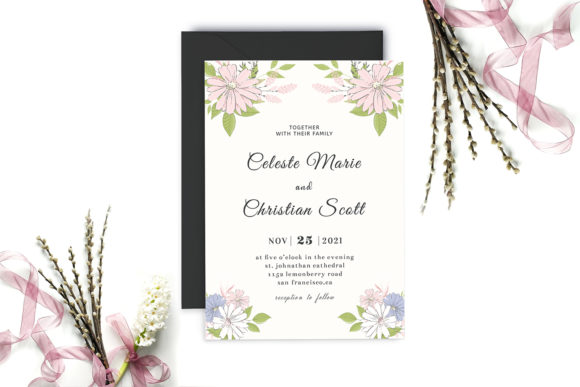
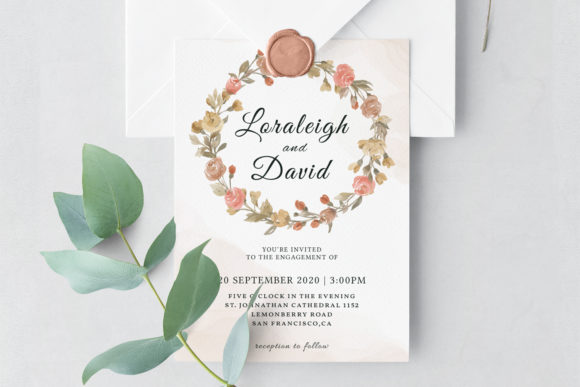
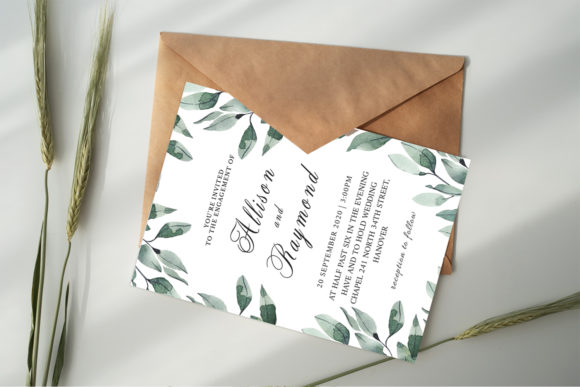
Invitations are information-heavy documents. They must convey who, what, where, when, and RSVP details without looking cluttered. When designing floral greeting card template design for invitation and greeting card for layout and cover card design, the hierarchy is paramount.
- The Cover: This is the "hook." It typically features the most elaborate floral artwork to set the theme. Text here is minimal, usually limited to names or event titles.
- The Interior/Layout: Florals here should be subdued. Watermarks, faint line art, or small corner accents work best. Heavy illustrations in the text area reduce contrast and hinder readability.
- Modularity: Invitation templates must be modular. Users need to easily swap out date blocks or venue lines without disrupting the floral frame. A well-designed template locks the artwork layer while keeping the text layer fully editable.
Greeting Card Templates: Emotion and Brevity
Greeting cards prioritize sentiment over data. The layout allows for larger, bolder typography and more expressive illustration. Unlike invitations, which often adhere to strict grid systems, greeting cards can embrace asymmetry. A large watercolor bloom might dominate 70% of the cover, with text interacting organically with the petals. Inside, the layout is often blank or features a subtle pattern, allowing the sender to write a personalized message. The flexibility of the template here focuses on emotional resonance rather than informational clarity.
Technical Mastery: Understanding Your File Formats
The quality of your final output depends entirely on using the correct file format at the right stage of production. When you acquire a professional floral template package, you will typically receive four distinct file types: AI, EPS, JPG, and PNG. Each serves a unique purpose in the design ecosystem.
AI (Adobe Illustrator) Files: The Master Source
The AI file is your master source. It is a vector-based format native to Adobe Illustrator. This is the most valuable file in your toolkit because it retains all editable layers, paths, and typography.
- Scalability: Vectors are mathematically defined, meaning you can resize a floral element from a postage stamp to a billboard without losing quality.
- Editability: You can change colors, adjust stroke widths, and modify individual leaves or petals. If a client wants "blush pink" instead of "coral," the AI file makes this possible in seconds.
- Print Precision: AI files support CMYK color profiles and bleed settings, which are non-negotiable for professional printing.
EPS (Encapsulated PostScript): Universal Compatibility
Think of the EPS file as the universal translator of vector graphics. While similar to AI, EPS is compatible with almost every vector editing program, including CorelDRAW, Affinity Designer, and older versions of Illustrator. It preserves vector scalability but may flatten some advanced Illustrator-specific effects. Use EPS when collaborating with printers or designers who use different software ecosystems.
JPG (Joint Photographic Experts Group): Rasterized Previews
JPGs are raster images composed of pixels. In the context of floral templates, JPG files serve two main purposes: mockups and web display. They are flattened, non-editable snapshots of the design. Never send a JPG to a professional printer for high-quality stationery unless absolutely necessary, as compression artifacts and pixelation can occur upon resizing. However, JPGs are excellent for social media previews or website listings where file size matters more than print fidelity.
PNG (Portable Network Graphics): Transparency and Layering
The PNG file is indispensable for digital integration. Unlike JPGs, PNGs support transparent backgrounds. This allows you to extract a floral element from the template and overlay it onto a photo, a website header, or a digital invitation platform like Canva or Photoshop. High-resolution PNGs are also useful for clients who lack vector software but still need to place the design into other documents.
Best Practices for Customizing Floral Templates
Having the files is only half the battle. Applying them effectively requires adherence to design best practices that ensure professional results.
Respecting Bleed and Safe Zones
One of the most frequent errors in DIY card design is ignoring print margins. Professional templates include bleed lines (usually 0.125 inches or 3mm beyond the trim edge). Floral elements intended to reach the edge of the card must extend into this bleed area. Conversely, keep all critical text and focal points within the safe zone to prevent them from being trimmed off during the cutting process.
Color Consistency Across Formats
Floral designs often rely on subtle gradients and watercolor textures. Be aware that colors look different on screen (RGB) than on paper (CMYK). Always convert your AI or EPS files to CMYK before sending them to print. Utilize the provided JPG as a visual reference for how the colors were originally intended to appear, but trust the CMYK values for production accuracy.
Typography Pairing
The font choice must complement the floral style. Intricate, detailed botanical illustrations pair best with clean sans-serif or simple serif fonts to avoid visual competition. Loose, painterly watercolors can handle elegant scripts. When customizing a template, resist the urge to use more than two typefaces. Let the floral artwork provide the personality while the typography provides the structure.
The Role of Templates in Modern Creative Workflows
In today’s fast-paced creative economy, templates are not shortcuts; they are strategic assets. For small businesses and freelance designers, floral greeting card template design offers a scalable solution to meet client demands without reinventing the wheel for every project. They provide a professionally engineered foundation that ensures consistency across a brand’s stationery suite.
Furthermore, templates democratize design. They allow individuals with limited technical skills to produce high-quality invitations and cards by leveraging the expertise embedded in the file structure. By understanding the distinct roles of AI, EPS, JPG, and PNG files, users move beyond simply "filling in blanks" to truly customizing and owning their creative output.
Ultimately, successful floral card design marries art with engineering. It respects the emotional weight of the occasion while adhering to the rigorous technical standards of print production. Whether you are designing a wedding suite or a seasonal greeting, mastering these templates ensures your message is delivered with beauty, clarity, and professional polish.